> ## Documentation Index
> Fetch the complete documentation index at: https://docs.routera.io/llms.txt
> Use this file to discover all available pages before exploring further.
# Updating routers
> Edit, publish, unpublish, or delete routers in Routera.
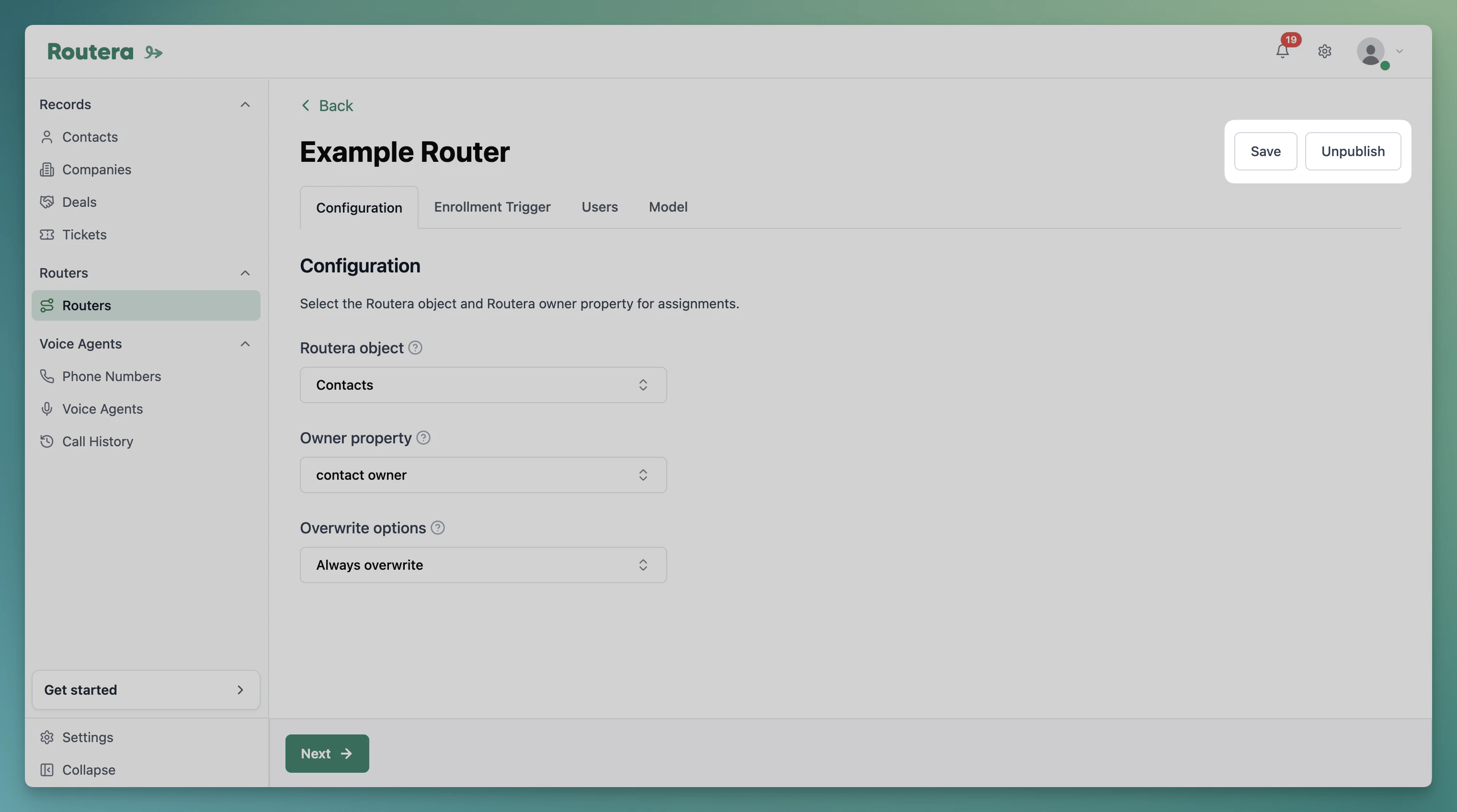
Editing a router uses the same editor as [Creating routers](/kb/creating-routers). You can change configuration, users, model, and mode-specific tabs (**Enrollment Trigger** or **Account Matching**) anytime; **Save** keeps a draft, **Publish** applies changes to live routing.
## Edit a router
1. Open **Routers** in the sidebar.
2. Click the router name (or use **Edit** on the row) to open the editor.
3. Update tabs as needed. See [Creating routers](/kb/creating-routers) for what each tab controls.
4. Click **Save** to store changes without affecting live behavior on a published router.
5. If the router is unpublished, click **Publish** when you are ready to go live. If it is already published, saved changes apply to the next assignments Routera processes.
 ### Publish and unpublish
| Action | When to use |
| ------------- | ------------------------------------------------------------------------------------ |
| **Publish** | Turn on or restore live assignments for this router. |
| **Unpublish** | Stop new assignments; configuration is kept so you can edit and publish again later. |
You cannot switch between **Routera only** and **HubSpot CRM** after creation. Create a new router if you need a different mode.
For **Routera only** routers, changing **Enrollment Trigger** after publish affects which records enroll going forward. For **HubSpot CRM**, enrollment scope is controlled in your HubSpot workflow as well as Routera settings.
## Delete a router
1. On the **Routers** list, select the router with its checkbox.
2. Click **Delete** and confirm.
### Publish and unpublish
| Action | When to use |
| ------------- | ------------------------------------------------------------------------------------ |
| **Publish** | Turn on or restore live assignments for this router. |
| **Unpublish** | Stop new assignments; configuration is kept so you can edit and publish again later. |
You cannot switch between **Routera only** and **HubSpot CRM** after creation. Create a new router if you need a different mode.
For **Routera only** routers, changing **Enrollment Trigger** after publish affects which records enroll going forward. For **HubSpot CRM**, enrollment scope is controlled in your HubSpot workflow as well as Routera settings.
## Delete a router
1. On the **Routers** list, select the router with its checkbox.
2. Click **Delete** and confirm.
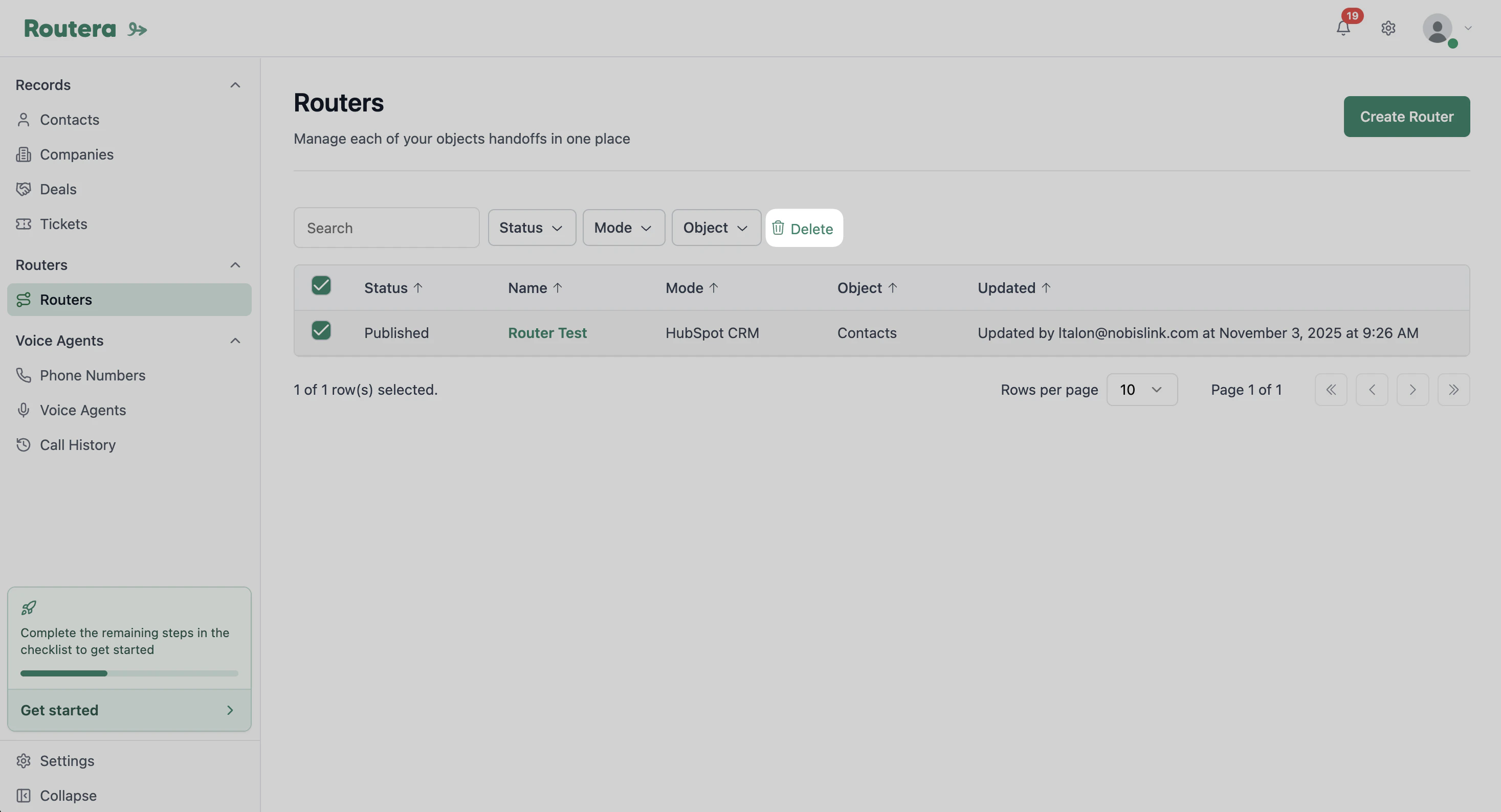 Deleting a router cannot be undone. Remove or update any HubSpot workflows that reference it before you delete a CRM router.